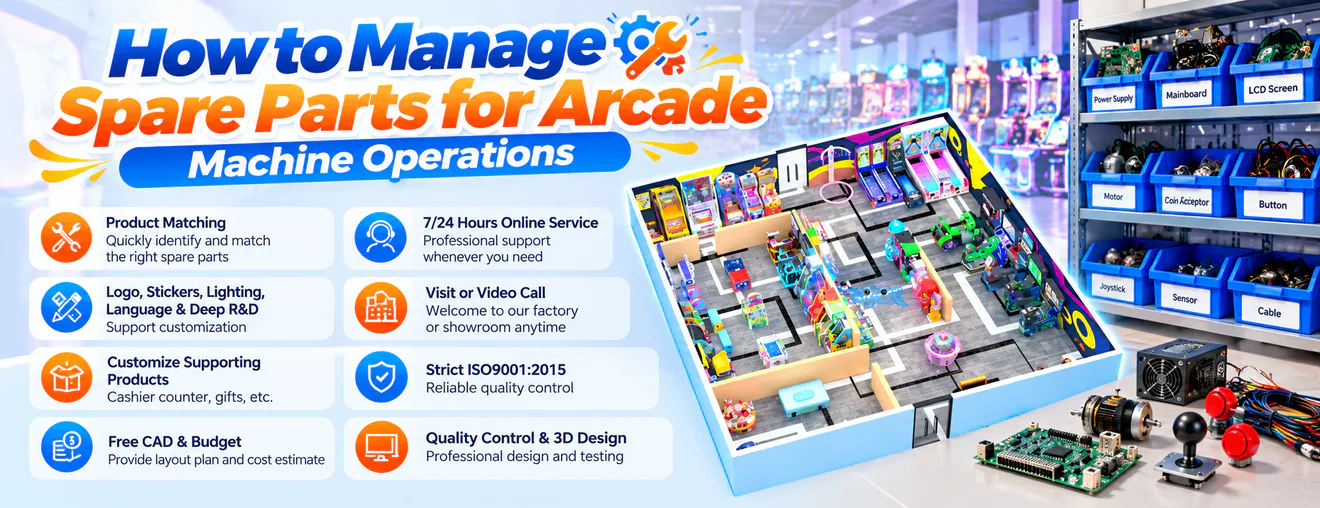
How to Manage Spare Parts for Arcade Machine Operations
Learn how to organize arcade machine spare parts, set inventory priorities, plan replenishment, and coordinate maintenance supplies across entertainment venues.
Introduction
Spare parts management is an important part of running a commercial arcade business. When a button, power supply, sensor, display component, or other part needs replacement, having the correct item available can help maintenance teams respond more efficiently.
For arcade operators, distributors, and family entertainment centers, a well-organized inventory system helps control purchasing decisions, reduce unnecessary stock, and make maintenance planning more predictable.
Why Spare Parts Inventory Matters
Avoid Delays Caused by Missing Components
A machine may require only one replacement component to return to service. If that part is unavailable, the repair can take longer while staff identify a supplier and arrange delivery.
Control Unnecessary Purchasing
Keeping every possible component in stock can tie up money and storage space. Inventory planning should reflect actual equipment requirements, replacement frequency, and supplier lead times.
Support Consistent Maintenance
An organized spare parts system helps technicians identify suitable components and understand which items are available. This is particularly useful when a venue operates several equipment categories.
Classify Parts by Equipment Type
Separate Machines Into Categories
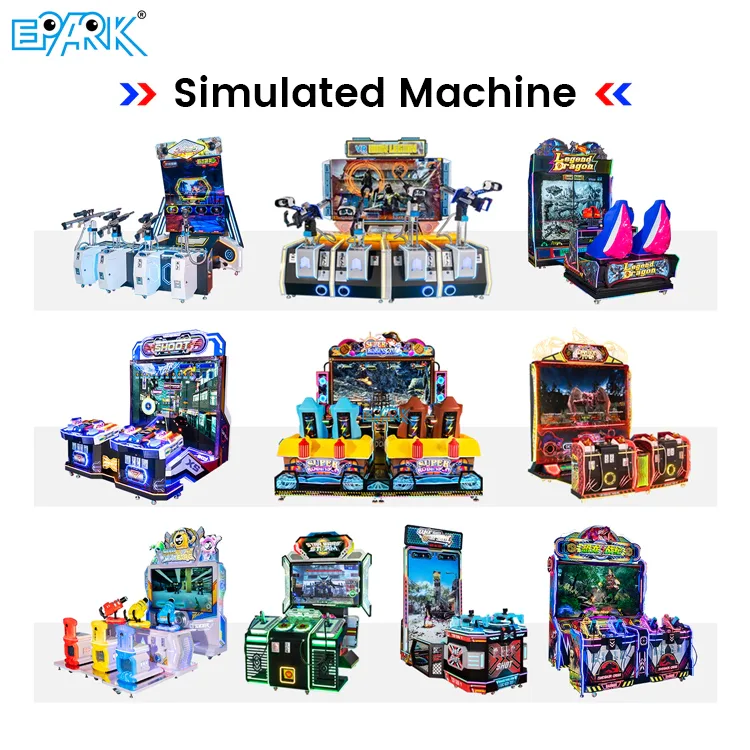
Group spare parts according to equipment categories such as racing simulators, claw machines, redemption games, basketball machines, and interactive attractions.
Distinguish Common and Model-Specific Parts
Some consumables and standard components may serve several models, while proprietary boards or specially designed mechanical parts may be model-specific. Record these differences before purchasing.
Create Clear Part Identifiers
Use consistent part names, model references, and internal stock codes. Clear identification reduces confusion between similar-looking components and helps staff request the correct replacement.
Prioritize Essential Spare Parts
Identify Components That Affect Operation
Power supplies, control boards, sensors, buttons, and other functional components may be important to keep available, depending on the machine design.
Consider Replacement Frequency
Review previous maintenance records to identify which parts are replaced most often. Frequently used items may deserve higher stocking priority than rarely needed components.
Evaluate Lead Times and Availability
A component that takes several weeks to obtain may require different planning from one that can be purchased locally. Consider delivery time alongside replacement frequency when setting priorities.
Set Appropriate Stock Levels
Establish a Minimum Stock Quantity
Define a minimum quantity for important parts based on equipment numbers, historical usage, and replenishment time. When stock reaches this level, staff can review whether another order is needed.
Calculate Reorder Points
A reorder point can be estimated using expected demand during supplier lead time plus an appropriate safety stock allowance. The calculation should reflect actual usage rather than an arbitrary quantity.
Review Overstock and Slow-Moving Items
Regularly check components that have remained unused for long periods. Some may still be essential for older machines, while others may no longer justify routine replenishment.
Plan Supplier Purchasing
Confirm Component Compatibility
Before ordering, verify the relevant machine model, component reference, electrical specifications, and any required compatibility information.
Compare Price and Delivery Conditions
A lower unit price does not always result in a lower overall purchasing cost. Consider shipping charges, minimum order quantities, delivery time, and the consequences of delayed availability.
Coordinate With Equipment Suppliers
For specialized arcade machine components, contact the original equipment supplier when compatibility is uncertain. Provide the model name, serial or identification details where available, and clear photographs of the existing part.
Organize Spare Parts Storage
Use Clearly Identified Storage Locations
Assign each component a designated storage location and record that location in the inventory system. Labels should be easy for maintenance staff to read and update.
Protect Sensitive Components
Electronic boards, sensors, and other sensitive parts should be stored according to appropriate handling and environmental requirements. Keep components protected from moisture, dust, impact, and electrostatic damage where relevant.
Separate New, Used, and Defective Parts
Do not mix unused inventory with removed components awaiting inspection. Clearly mark items that are defective, pending testing, or approved for reuse to prevent accidental installation.
Track Inventory Usage and Repairs
Record Every Part Issued
When a technician takes a component from stock, record the quantity, date, equipment model, and maintenance reason. This creates a useful history of actual demand.
Link Parts to Maintenance Records
Connecting spare parts usage with individual machine maintenance records helps identify recurring failures and repeated replacement needs.
Reconcile Physical and Recorded Stock
Conduct regular inventory checks to compare recorded quantities with the items actually available. Investigate differences before they affect purchasing or repair planning.
Coordinate Maintenance and Inventory Teams
Share Information About Upcoming Repairs
Maintenance staff should communicate planned work and anticipated component requirements to the person responsible for inventory. This allows essential parts to be prepared in advance.
Review Repeated Component Failures
Repeated replacement of the same part may indicate an underlying technical issue, operating condition, or installation problem. Investigate the cause rather than automatically increasing stock.
Define Purchasing Responsibilities
Clarify who can request parts, approve purchases, update inventory records, and authorize component substitutions. Defined responsibilities help prevent duplicate orders and inconsistent records.
Manage Spare Parts Across Multiple Venues
Maintain Location-Level Records
For operators with several entertainment venues, record stock quantities at each location. A company-wide total alone may conceal a shortage at the venue that needs a component immediately.
Establish Transfer Procedures
When one location has excess stock and another needs a part, a controlled transfer may be more practical than placing an urgent purchase order. Update both locations' records after the transfer.
Keep Critical Parts Accessible
Decide which components should be held centrally and which should remain at individual venues. The decision should reflect machine concentration, repair urgency, delivery times, and local storage capacity.
Decide When to Repair or Replace Components
Compare Repair Feasibility
Some components can be repaired by qualified technicians, while others may need replacement. Decisions should consider safety, technical feasibility, parts availability, and the manufacturer's recommendations.
Consider the Cost of Continued Repairs
Repeated repairs can consume labor and create recurring service interruptions. Compare the expected cost and reliability of repair with replacement before deciding how to proceed.
Review Older Equipment Requirements
Machines that are no longer in active production may require additional planning if their components become difficult to source. Confirm availability before relying on long-term support for older models.
Review Inventory Performance Regularly
Monitor Stockouts and Emergency Orders
Record how often essential components are unavailable when needed and how frequently urgent purchases occur. These patterns can reveal weaknesses in replenishment planning.
Identify Excess Inventory
Review slow-moving stock and compare it with current equipment requirements. Avoid removing essential legacy components solely because they have low usage if the machines still depend on them.
Update Inventory Rules as the Business Changes
New equipment purchases, changes in machine usage, supplier lead times, and venue expansion can all affect stock requirements. Review inventory priorities whenever these conditions change.
Conclusion
Effective arcade machine spare parts inventory management combines clear component identification, realistic stock levels, reliable purchasing procedures, and accurate maintenance records.
For arcade operators and multi-location entertainment businesses, these practices can improve repair readiness while reducing unnecessary inventory spending. A system based on actual equipment requirements helps staff make better decisions about what to stock, when to reorder, and how to allocate parts across venues.